PR #10219 review: update button in the new shell's title bar
Summary
The PR replaces the new shell's navigation-rail update icon with a fixed-width (76×24px) update button at the end of the title bar's left control group. It has ready, downloading and installing states (with a dithered canvas fill), plus updated and error states. The update state machine moves out of UpdatesPill into a shared renderer/hooks/useUpdateControl hook. It also fixes two right-pane title-bar bugs: the tab bar's minimum width no longer flips by 40px when the add button moves in or out of the scroller, and the side slot lays out at the pane's resting width while SidebarSlide animates.
Verdict
minor issues The approach is sound, CI is green, and every update-button state works in the real app. The remaining issues are an i18n rule miss, a weaker error affordance, one component moved without a second user, a fragile DOM lookup, and no tests for the extracted logic.
Findings
apps/desktop/src/renderer/routes/_authenticated/_dashboard/components/TitleBar/components/UpdateButton/UpdateButton.tsx:36The download label is built as
`${Math.floor(percent)}%`. AGENTS.md says numbers go through @superset/i18n/format, and some locales format percent differently (for example 41 % in fr/de, %41 in tr).Fix:
formatPercent(Math.floor(percent) / 100, { maximumFractionDigits: 0 }).UpdateButton.tsx:48 and :63In the error state the tooltip and
aria-label show only the raw error, for example "Simulated error for testing" (see screenshot). The old pill showed "<error>. Click to retry". Because aria-label replaces the visible text, a screen reader never hears "Retry". In the downloading state it never hears the percent either.Fix: make the error hint
t`${error}. Click to retry`. Keep the visible label in the accessible name: drop aria-label and use aria-describedby or title for the hint.apps/desktop/src/renderer/components/DownloadRing/DownloadRing.tsxDownloadRing is promoted to the shared renderer/components/, but only UpdatesPill imports it. UpdateButton uses DitherFill instead. This breaks the co-location rule in AGENTS.md. The PR description says both controls use it, which is true only of PreUpdateConfirmPopover.Fix: leave
DownloadRing under components/UpdatesPill/components/DownloadRing/.apps/desktop/src/renderer/routes/_authenticated/_dashboard/providers/TitleBarSlotsProvider/TitleBarSlotsProvider.tsx:125pane.firstElementChild?.firstElementChild depends on the exact element nesting inside SidebarSlide, which is in another file. If someone adds a wrapper there, the code still compiles but measures the wrong element, and the close bug comes back silently. Also, during an expand or restore move, contentWidth is "100%" (SidebarSlide.tsx:100), so the "resting" width follows the animating width. The PR lists that path as not checked.Fix: have
SidebarSlide publish its target width (for example data-rest-width next to data-moving), or mark the content element with a data attribute and use querySelector.apps/desktop/src/renderer/hooks/useUpdateControl/useUpdateControl.ts:125No tests cover the extracted state machine or the TabBar min-width fix.
resolvePhase is a pure function, and the ADD_TAB_SLOT_WIDTH min-width rule could be a one-line util test. The Testing section lists bun test for UpdatesPill, but the repo has no UpdatesPill test file.Fix: export
resolvePhase and add a small table test (installing only while READY, updated → null after confirmationDone, undefined → null). Correct the Testing section.Evidence
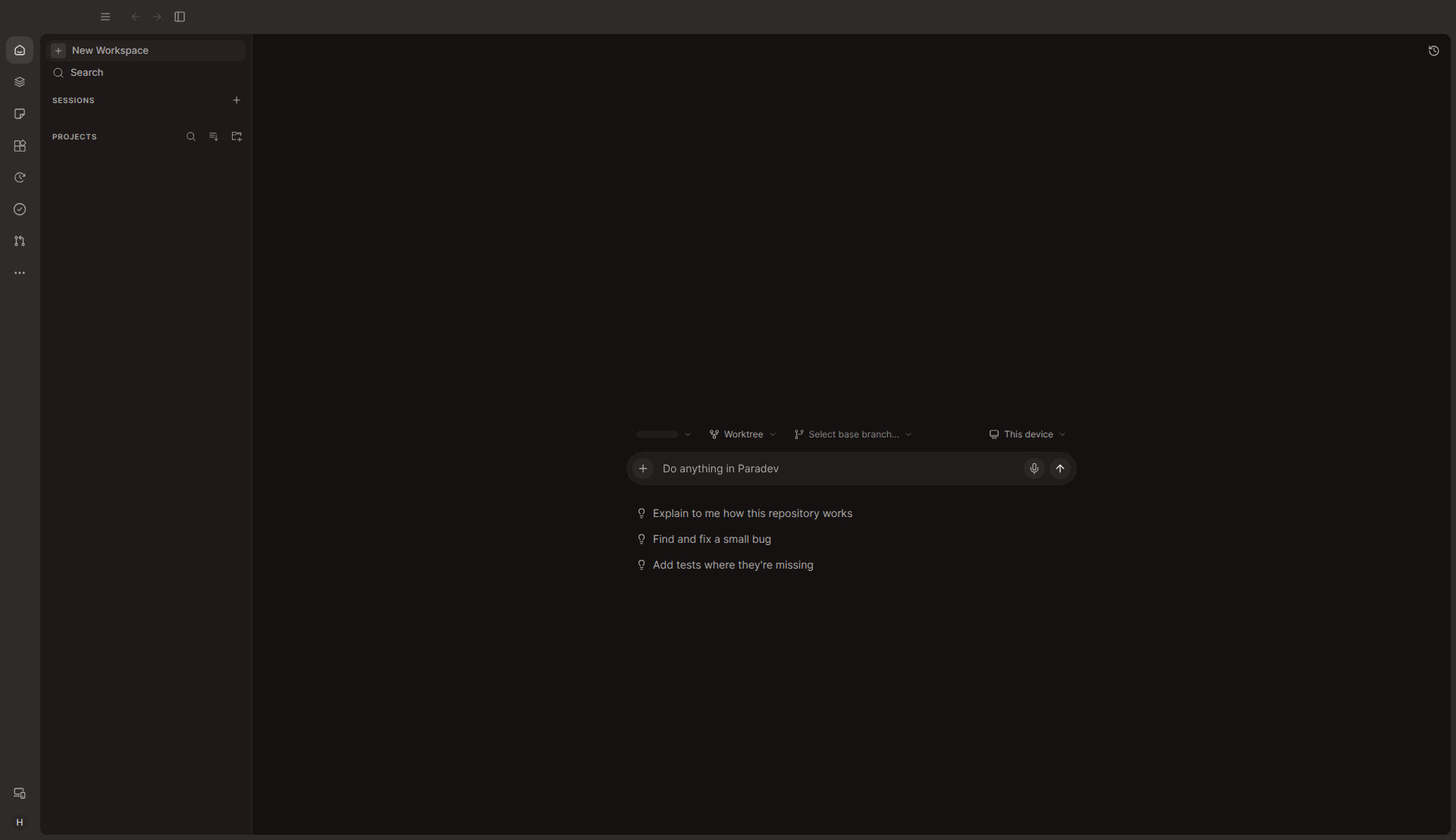
Desktop, new shell, Linux dev build in the cloud sandbox (Xvfb, 1920×1108, 100% zoom), driven over CDP on port 9333 with renderer URL localhost:3005 (this workspace's DESKTOP_VITE_PORT). States were set with the real command palette (Ctrl+Shift+K → "Simulate update: …"), and the update was started by a real mouse click. At every state, CDP measured the button at x=259, width 76, height 24, so it does not move or change size.







Not verified:
- The right-pane tab-strip fixes (min-width flip, clip during close). The sandbox has no project, so no workspace with a right pane. After the error screenshot the desktop dev process was also OOM-killed (exit 137) for the third time on this 8 GB box. That was 1 attempt plus 1 retry, the retry with the web dev server stopped.
- Left sidebar collapsed, light theme, the pre-update notice popover (
side="bottom"), zoom ≠ 100%, macOS, Windows. - No video of the fade-out: it was not recorded before the renderer died.
Questions for the author
- With the sidebar collapsed, the main tabs move by about 88px when the button appears and leaves. Did you consider reserving the slot, or putting the button at the right of the main tab area?
- The shared
isInstallingzustand store only matters if two update controls are mounted at once. In the new shell the sidebar'sUpdatesPillrenders only in the legacy layout. Is there a case where both mount, or could this stay local state? - Should the dev "Simulate update" toast text ("↑ update pill") be updated in this PR?
Test / CI notes
- All of these at
5350473. - GitHub CI: Lint, Typecheck, Test, Sherif, Version Sync, Build CLI and all deploys passed. cubic gave neutral. CodeRabbit was still running.
- Run locally:
bunx tsc --noEmitinpackages/panespassed.bun testfor TabBar utils: 4 pass.biome checkon the changed dirs: clean. The desktoptscrun was OOM-killed in the sandbox, so I rely on CI Typecheck for it. - Desktop dev app run as described under Evidence. The Lingui catalogs were not re-checked locally; CI enforces them.